
Searching for a User
With numerous users in the Dashboard, a search can quickly find a single user.
Steps to Take
Settings > Manager Users
Use the Search field on the user page to quickly find a user.
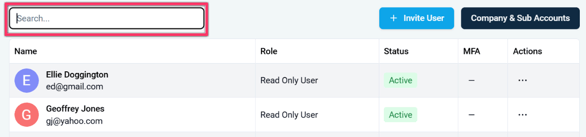
The user page with the Search field highlighted.
- Click into the Search field.
- Begin typing the desired user name. The table of user names will respond to the search and display matches. Users with the appropriate role can perform user actions on the displayed user names.
User Found
The desired user will be listed in the user table. The settings for that user can be edited.